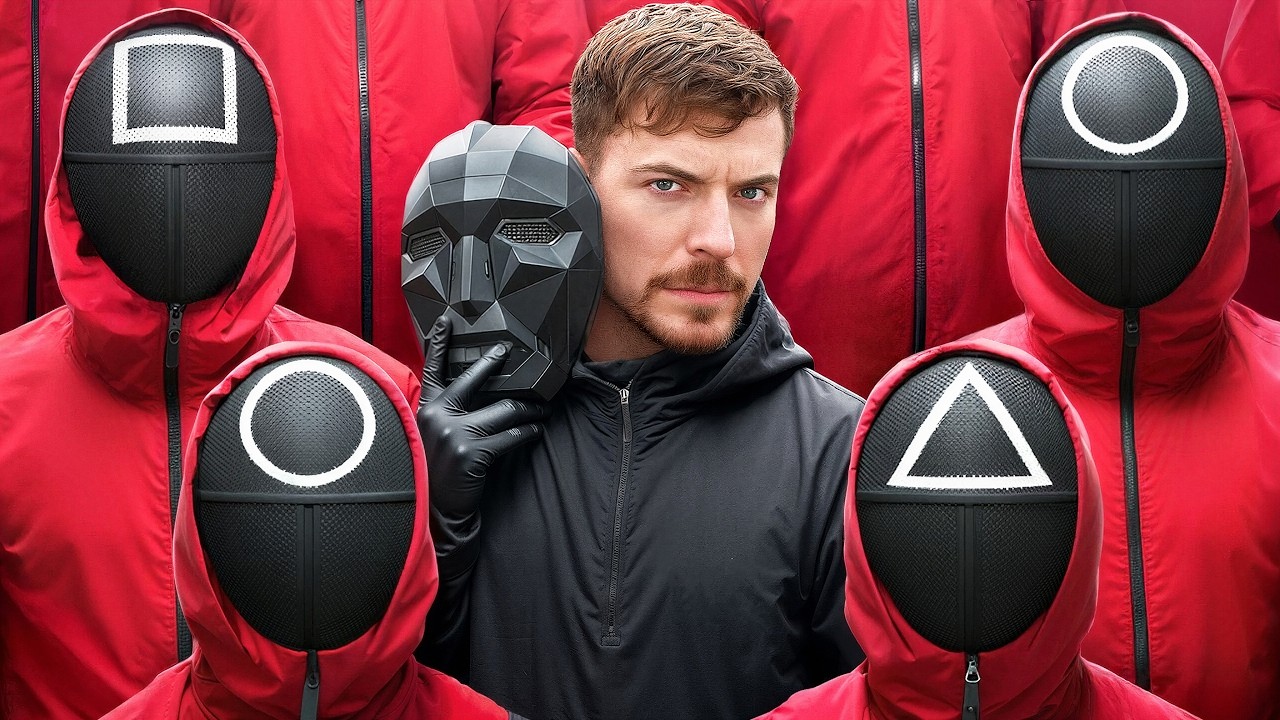
How to Test YouTube Thumbnails to Maximize CTR (Click-Through Rate)
Introduction
Your YouTube thumbnail and title are the single most important factors determining whether someone clicks on your video or ignores it. YouTube Thumbnail Previewer is a free CTR optimization tool that allows creators to test their graphics in realistic YouTube environments before hitting publish.
Why You Should Always Test Thumbnails on Mobile
When designing on Photoshop or Canva on a large 27-inch monitor, tiny details look crisp and clear. However, on a 6-inch smartphone screen:
- Small fonts become completely unreadable.
- Busy backgrounds cause the focal point to vanish.
- The YouTube video duration stamp in the bottom-right corner covers up critical text or faces.
Testing your thumbnail in our mobile feed simulator ensures your design pops and remains readable at compact dimensions.
Best Practices for High-CTR YouTube Thumbnails
- Follow the Rule of Thirds: Place faces with strong emotional expressions on one side and bold text on the other.
- Limit Text to 3-5 Words: Don't repeat the video title. Use complementary teaser text.
- Avoid the Bottom-Right Corner: Leave the bottom-right 20% free of text, as YouTube displays the video duration timestamp there.
- High Contrast Color Palettes: Use bright colors (yellow, green, orange, cyan) that contrast sharply with both YouTube Dark and Light backgrounds.
Frequently Asked Questions
How do I test my YouTube thumbnail before uploading?
Upload your image to our free thumbnail previewer, type your tentative video title, and toggle between Desktop, Mobile, and Dark Mode views. You will see an exact replica of how your video appears in real YouTube feeds.
Why is testing thumbnail readability on mobile so important?
Over 70% of YouTube watch time happens on mobile devices. If your thumbnail text or focal point is too small or blends into the black background, mobile viewers will scroll past your video, hurting your Click-Through Rate (CTR).
What is the recommended size for YouTube thumbnails in 2026?
YouTube recommends 1280x720 resolution (minimum width 640px) with a 16:9 aspect ratio, saved in JPG, PNG, or WebP format and keeping the file size under 2MB.
Can I test thumbnails from existing videos?
Yes! You can paste any live YouTube video URL into the fetch box to load its high-res thumbnail instantly into the simulator.